PDF to PowerPoint AI: Convert PDFs into Editable Presentations Instantly
Transform any PDF into a clean, editable PowerPoint presentation using Loopa. Automatically convert content, structure slides, and maintain layout consistency for fast, professional PPT creation without manual editing.
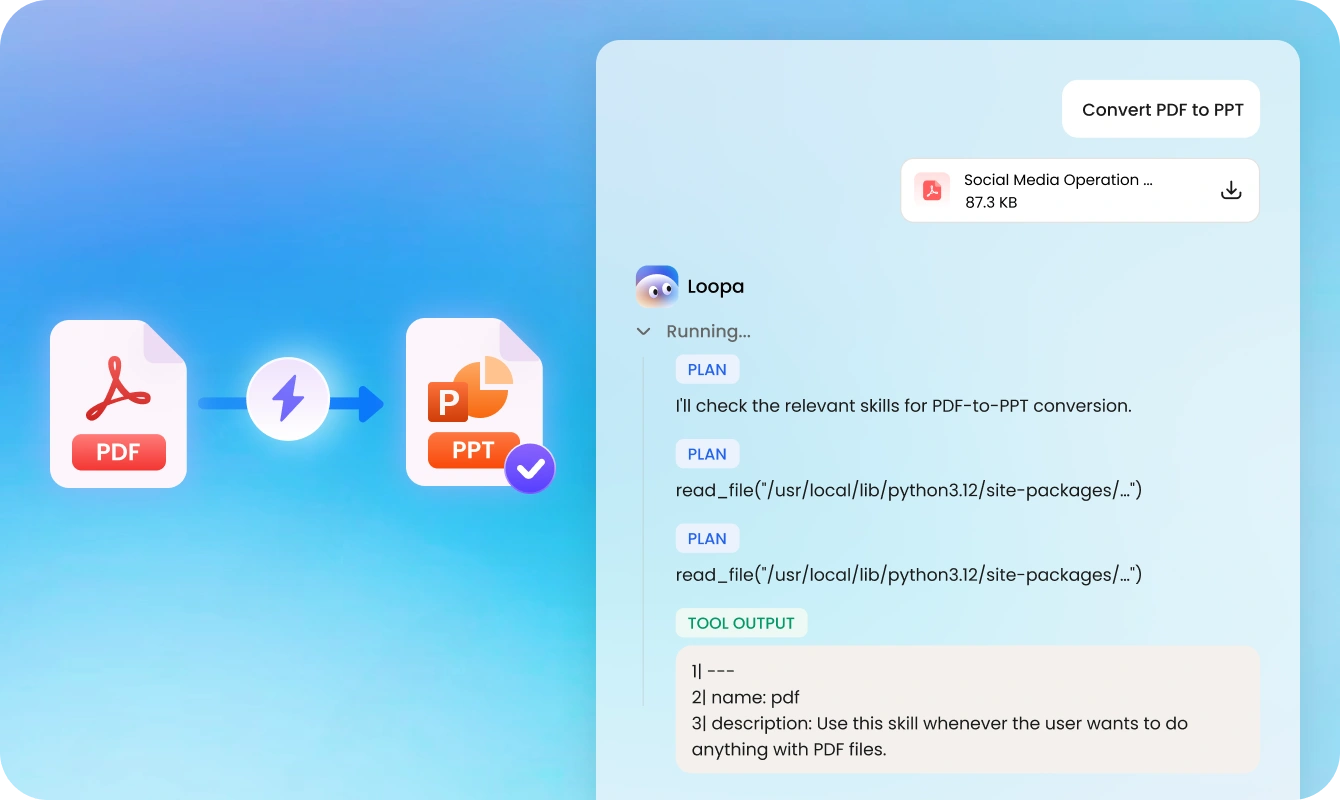
Convert this Q3 financial report PDF into a professional PowerPoint presentation. Keep all charts and tables intact, and organize it into clear sections: revenue overview, expense analysis, and future projections.
2026q1-alphabet-earnings-release.pdf184KB
Loopa
Plan
I'll extract the financial data from the PDF and create a structured presentation with title slides, executive summary, segment performance metrics, and strategic highlights.
Tool output
Successfully created 8-slide presentation: Title → Executive Summary → Segment Performance → Data Overview → Strategic Highlights → AI Leadership → Closing. Key metrics: $109.9B revenue (+22%), $20B Cloud revenue (+63%), $460B+ backlog.
I've successfully converted the Alphabet Q1 2026 earnings report into a professional 8-slide PowerPoint presentation. The deck includes an executive summary, segment performance analysis with data visualizations, strategic highlights on AI and cloud growth, and a closing slide. All key financial metrics have been preserved and organized into clear sections.
alphabet_q1_2026_presentation.pptx37KB
Try an example
Quarterly Report to SlidesResearch Paper Presentation
Seamlessly Convert PDF to PPT with One Command | Free & Fast
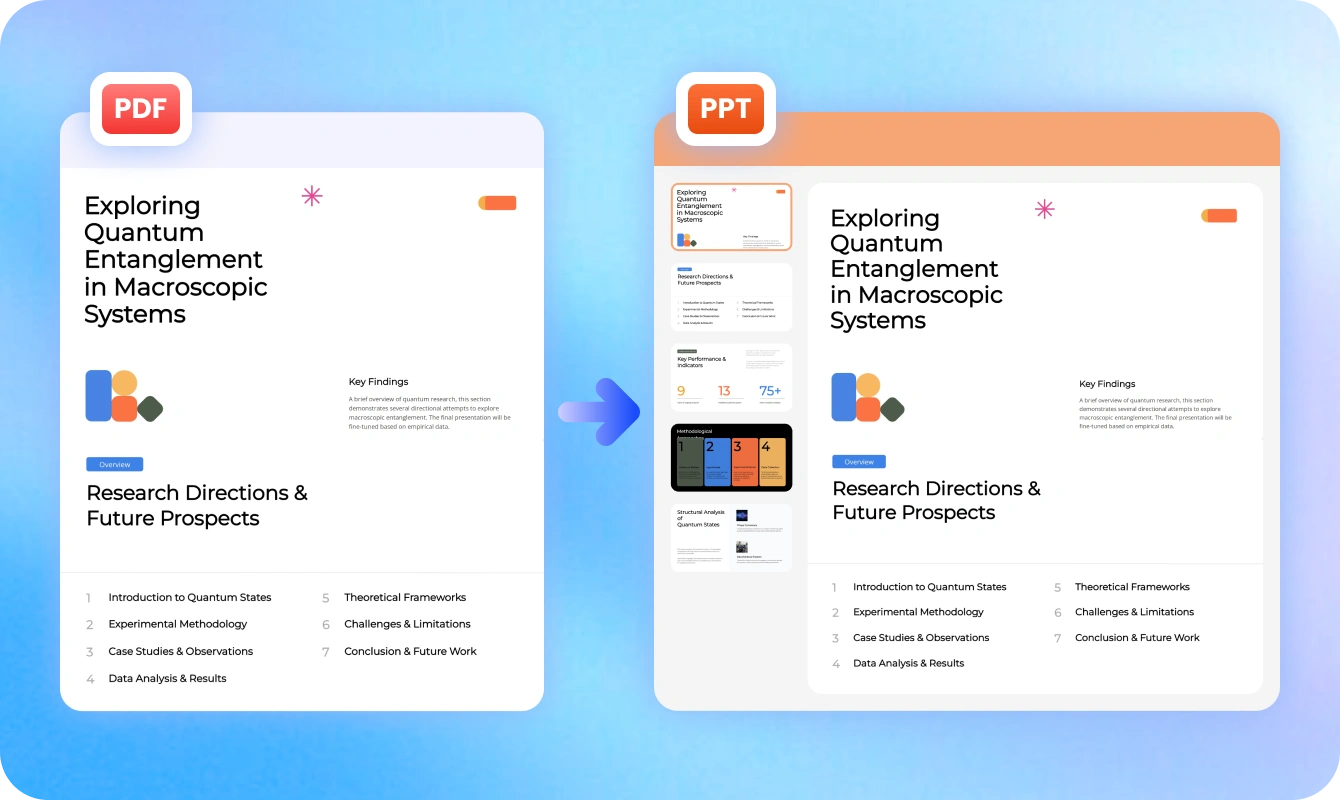
Easily convert PDF documents into structured PowerPoint presentations using Loopa's AI agent. This tool intelligently extracts content, organizes slides, and preserves formatting to help you create professional presentations in seconds.
AI-powered PDF Content Extraction
Convert PDF to PowerPoint online in one click without exporting or installing anything. More precisely, it can identify and extract text, images, charts, and tables from PDF files with high accuracy, which ensures no data loss during conversion.
Layout & Design Preservation
Ensure high-quality conversion by preserving images, icons, and visual elements in HD. It transforms your PDF into a clean, professional PowerPoint while maintaining original formatting, including titles, spacing, and visual hierarchy.
Intelligent Slide Structuring
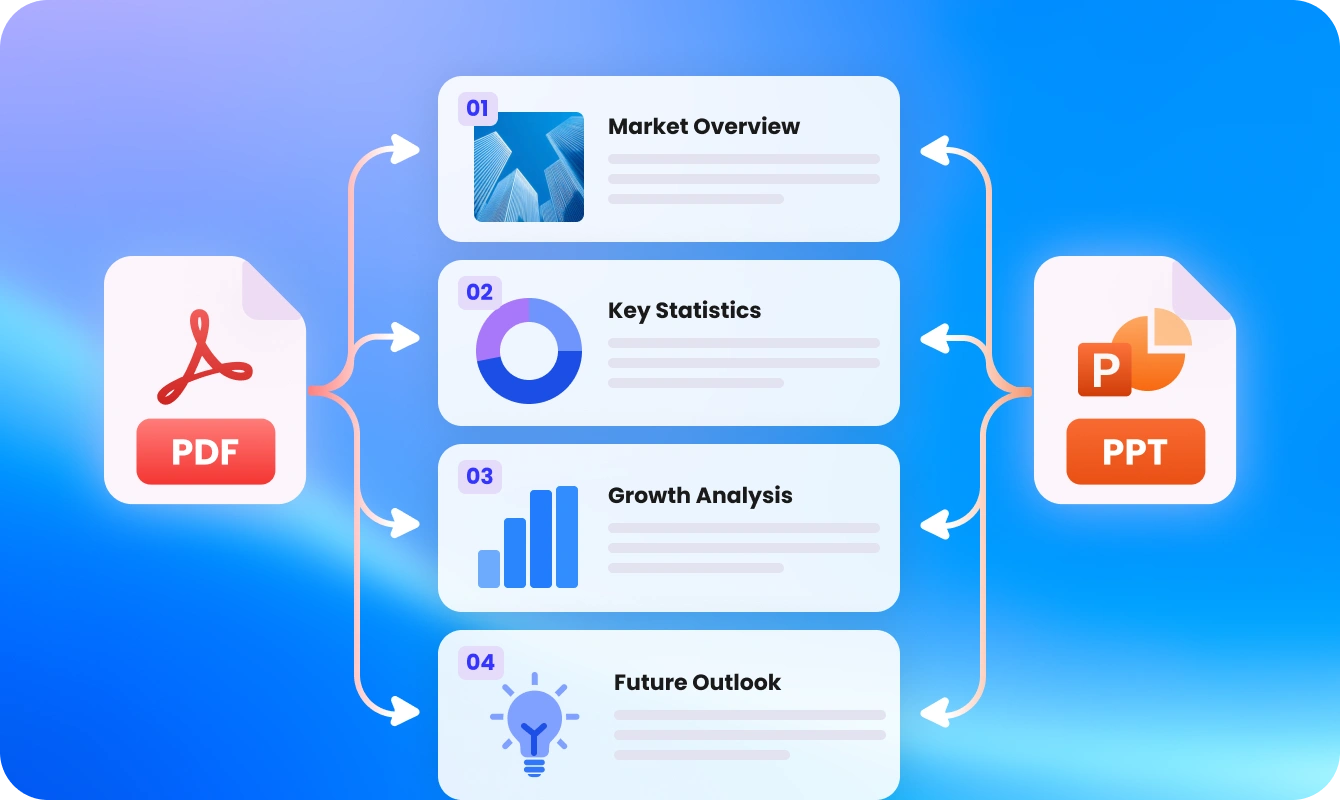
With the help of Loopa, you can analyze document layout and logically reorganize content into clear, well-structured PowerPoint slides that are ready for presentation.
Fast & Efficient Conversion
Convert PDF to editable PowerPoint presentations within seconds, significantly reducing manual editing time and improving workflow productivity. This PDF to PPT conversion is completely watermark-free, ensuring a clean and professional output every time.
How to Use the PDF to PowerPoint AI Tool
The following steps describe how to use this handy PDF to PowerPoint AI tool. Here are the details.
1
Upload Your PDF and Type Prompts
Drop the PDF file you want to convert to Loopa, and type prompts to ask its AI agent to execute your request.
2
Choose Your Preferred AI Model and Start Generating
Select your preferred AI mode and press the Enter button to begin the conversion process.
3
Download, Edit, or Prepare It for Future Use
After conversion, you can preview it. If you want to edit the converted PPT file, enter more prompts to ask Loopa to execute. If not, download it directly.
Who Can Benfit from the PDF to PowerPoint AI Tool
This section explains who can benefit from PDF to PowerPoint AI, including professionals, students, marketers, and freelancers. It highlights how the tool simplifies PDF-to-PPT conversion and improves productivity.
Business Professionals & Corporate Teams
Business users can quickly turn reports, proposals, and meeting documents into polished presentations. The AI tool saves time by automatically structuring content into clear slides, helping teams present ideas more effectively and professionally without manual formatting.
Students & Educators
Students can convert lecture notes, research papers, and study materials into easy-to-understand presentations. Educators can also transform teaching materials into engaging slides, making lessons more visual, organized, and easier to deliver.
Marketing & Sales Teams
Marketing and sales professionals can instantly convert PDFs like campaign reports, product briefs, and pitch documents into compelling presentations. This helps speed up content creation and improves the delivery of persuasive, data-driven pitches.
Consultants & Freelancers
Consultants and freelancers often need to present client reports and project summaries. PDF to PowerPoint AI streamlines this process by generating structured, editable slides quickly, allowing them to focus more on insights and client communication rather than formatting.
A PDF to PowerPoint AI tool is a tool that uses AI models to convert static PDF documents, such as reports or articles, into fully editable, professionally designed PowerPoint presentations. It automatically extracts key content, summarizes text, and structures it into ready-to-use slides, eliminating the need for manual copy and formatting.
Convert PDF to Editable PPT Instantly with AI
Supported by Loopa, our PDF to PPT AI tool can quickly transform the read-only or scanned PDF file into editable, well-structured presentations, saving time and improving workflow efficiency.