Upload Q3 financial report PDF, convert to infographic slide deck with charts and key highlights. Create a modern business-style visual summary.

2026q1-alphabet-earnings-release.pdf245KB
Seedream 5.0 Pro is a multimodal AI image generator for professional text-to-image generation, image editing, report visualization, and image merging. Use Seedream 5.0 Pro with Loopa to analyze ideas, understand design intent, and generate production-ready visuals from text prompts, files, sketches, or reference images.
Upload Q3 financial report PDF, convert to infographic slide deck with charts and key highlights. Create a modern business-style visual summary.
 Loopa
LoopaAnalyzing PDF content to extract key financial metrics, revenue breakdown, and CEO highlights for infographic design.
Successfully generated interactive HTML infographic with 6 key metric cards, 3 highlight sections, and AI innovation metrics from /home/agents/.loopa/workspace/seedream-5-0-pro/custom/alphabet-q1-2026-infographic.html
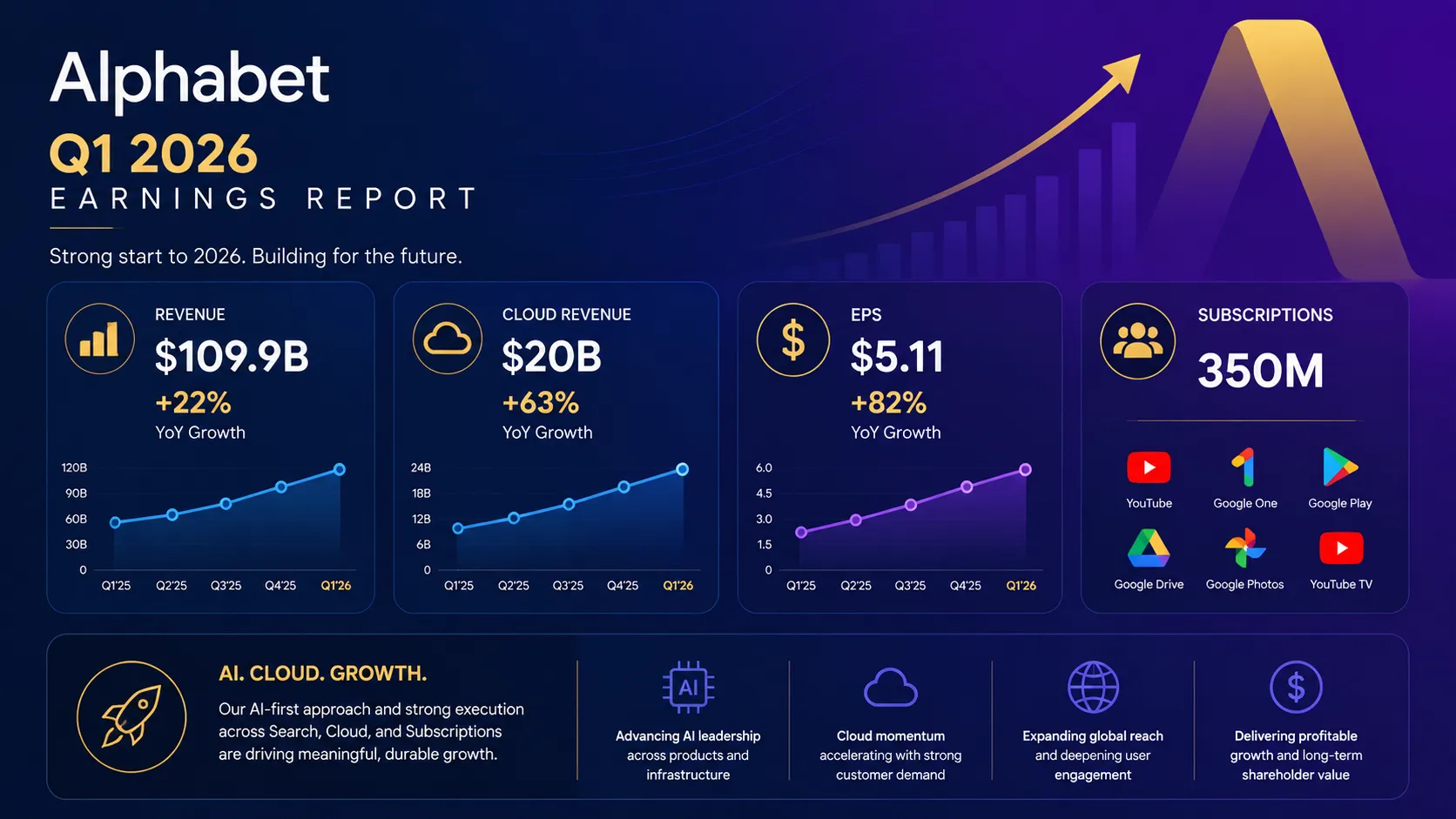
I've analyzed the Alphabet Q1 2026 earnings report and created a comprehensive infographic highlighting the key financial metrics. The report shows exceptional growth with a 22% revenue increase to $109.9B, Cloud revenue surging 63% to $20B, and EPS jumping 82% to $5.11. I've designed a modern, visually appealing summary with interactive cards and clear data visualization.


Seedream 5.0 Pro is a brand-new, flagship-grade AI image creation model. On Loopa, Seedream 5.0 Pro delivers significant improvements in image-text alignment, structural coherence, text rendering, and overall visual quality.
Seedream 5.0 Pro can analyze the content of PDFs and transform them into comprehensive infographics. The AI agent processes vast amounts of text without overlooking details while maintaining a clear information hierarchy, turning complex reports into easy-to-understand visual summaries.
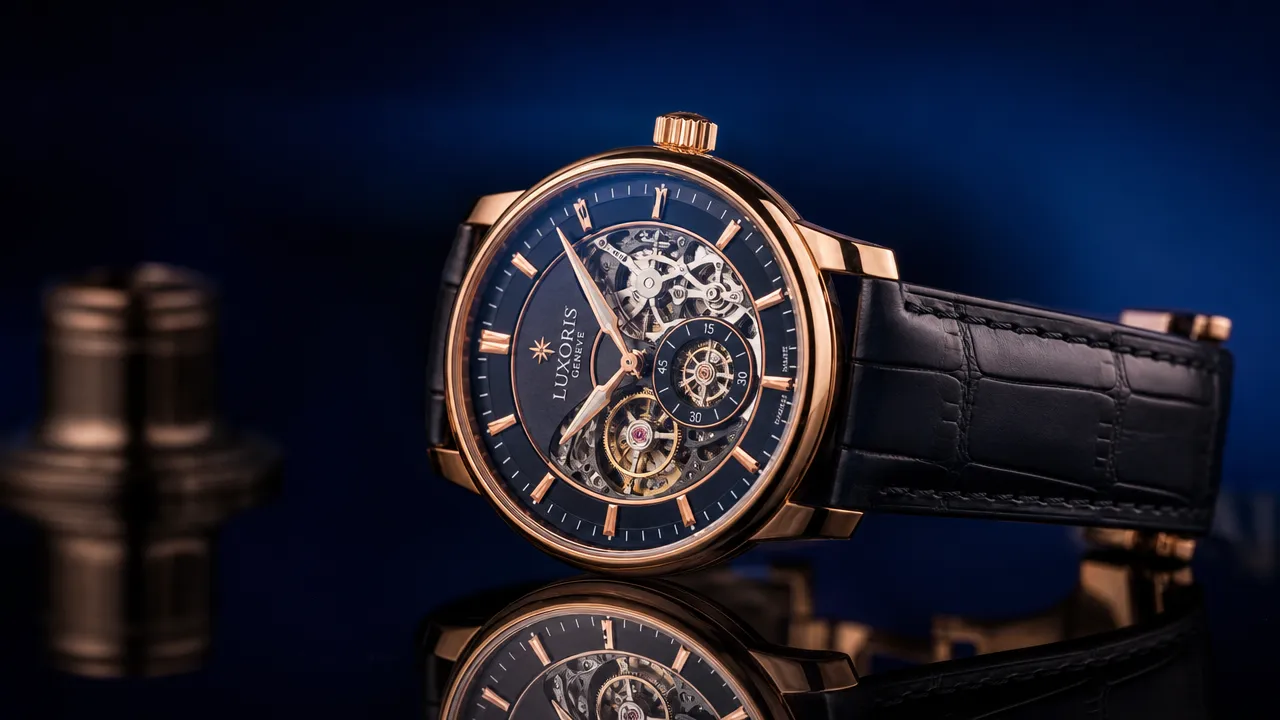
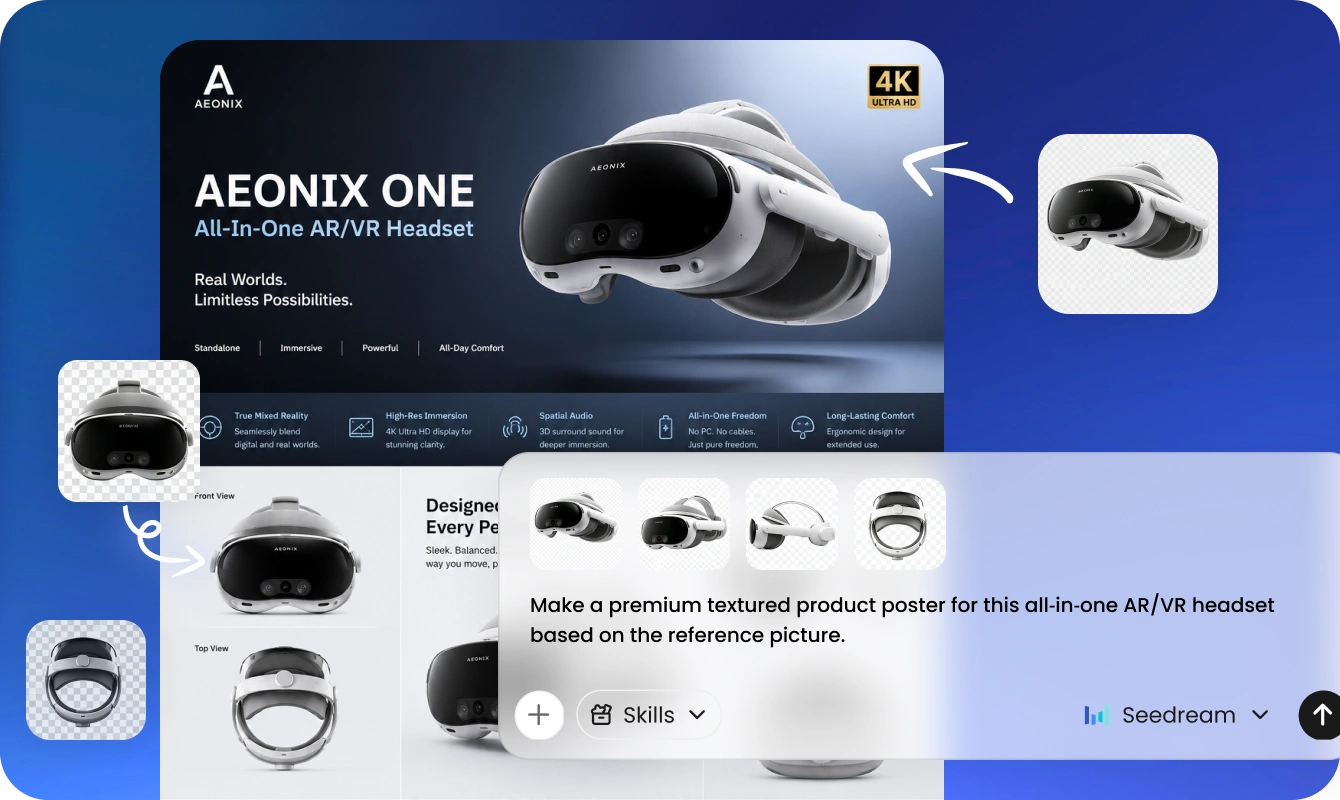
Use Loopa with Seedream 5.0 Pro to merge separate images, design elements, and logos into one cohesive brand layout. Seedream 5.0 Pro extracts information from every element and reorganizes the layout to meet specific needs, ensuring an accurate presentation of your brand identity.
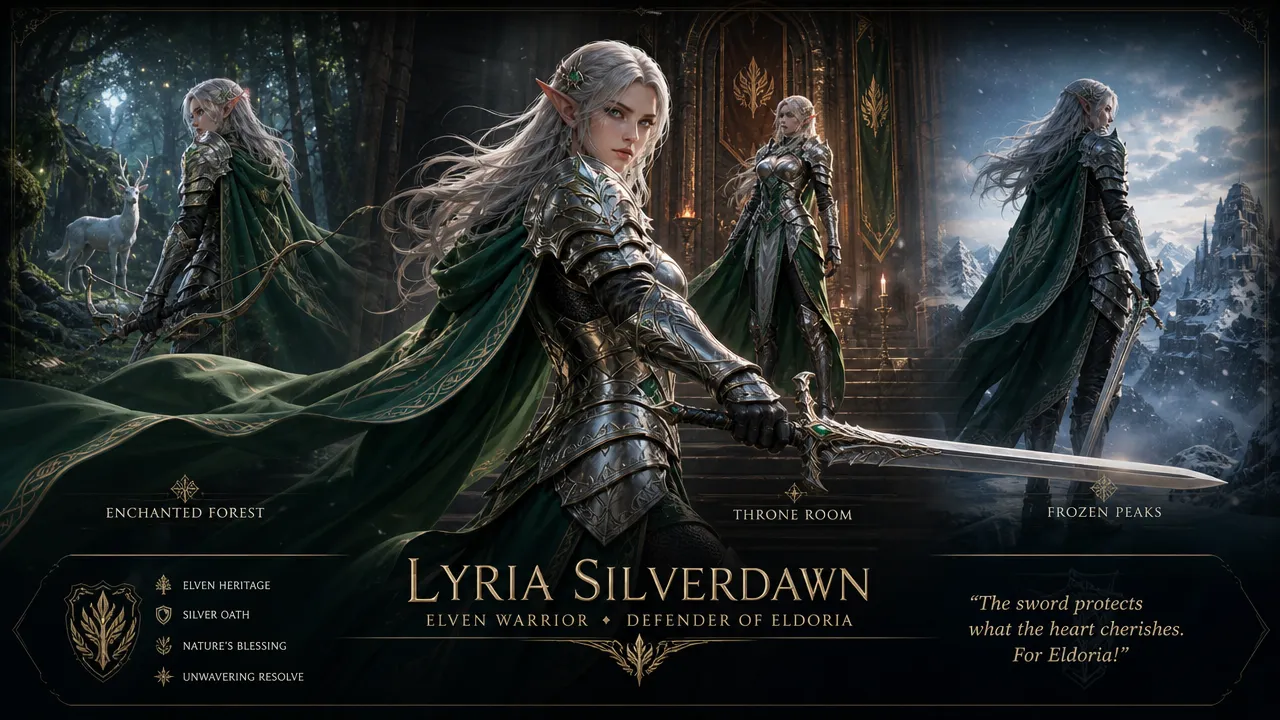
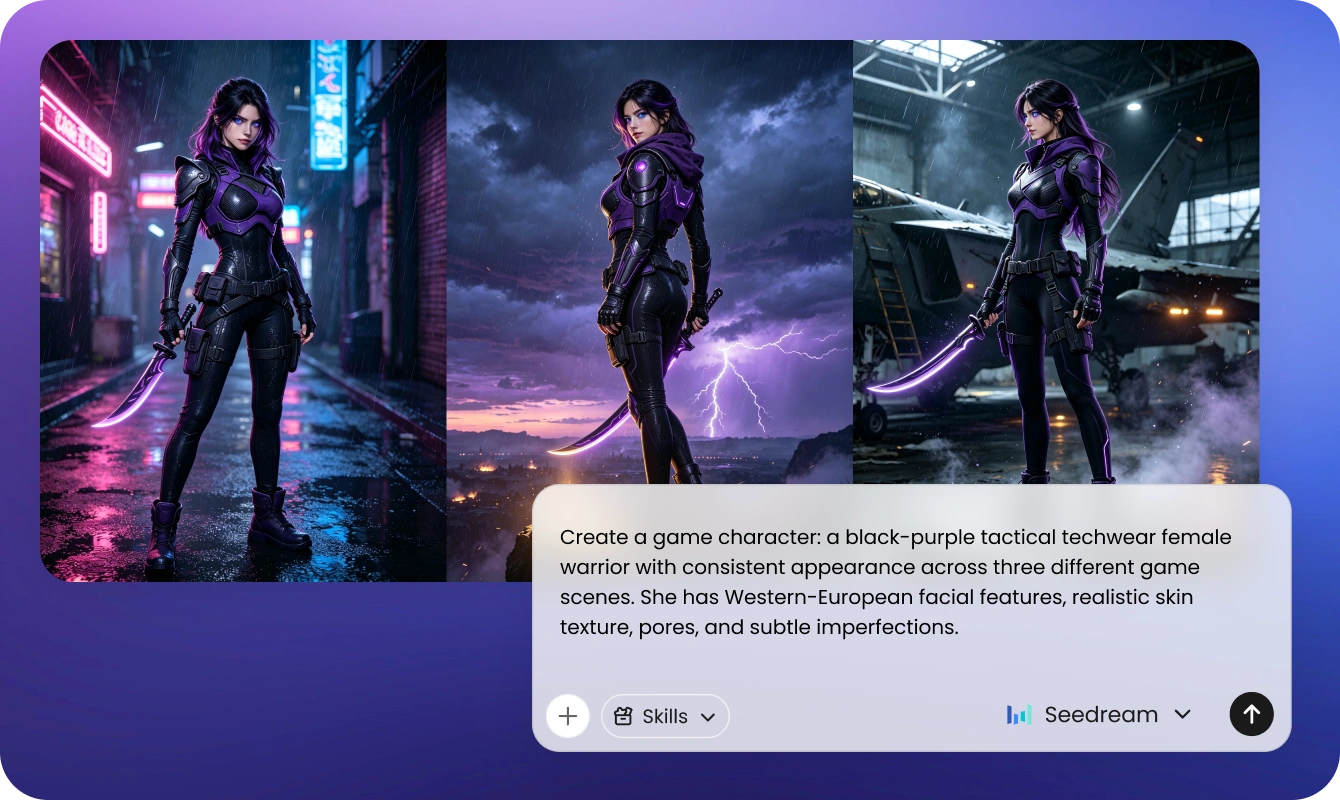
For game asset and character work, the agent maintains character consistency across different scenes while preserving realistic lighting and material rendering. This results in stable, consistent visual output and achieves a harmonious blend of clothing, physique, and environmental lighting.
Communicate adjustments using color codes and natural language. The AI interprets hex values, RGB specifications, and descriptive color terms to modify specific image elements with accuracy. Loopa understands abstract concepts and reference sketches, translating your creative direction into refined visual outputs.
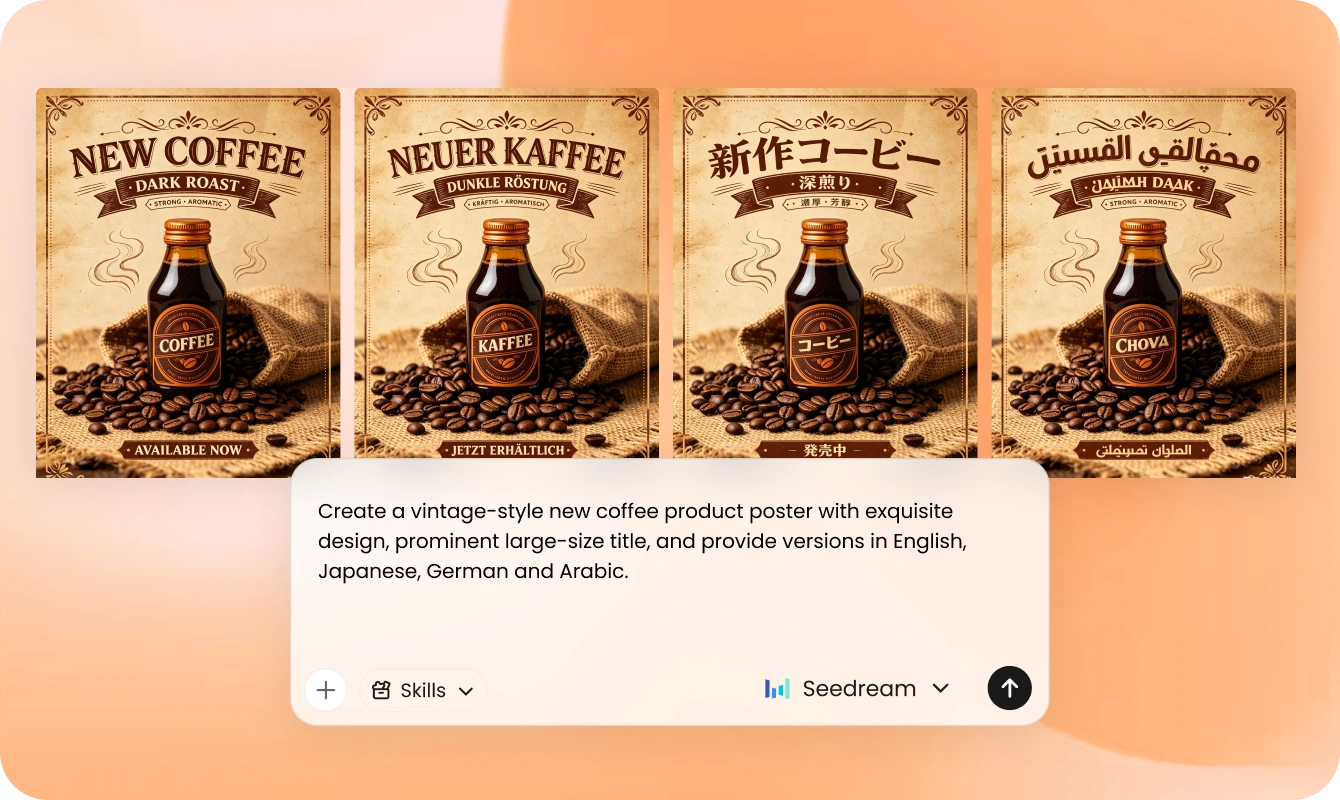
While Seedream 5.0 Pro natively supports 14+ languages for text generation, Loopa agent integration extends accurate text rendering to over 150 languages. The agent can adjust text direction and spacing for scripts like Arabic's right-to-left cursive form and reproduce details like Spanish accent marks accurately.
Loopa simplifies the complete Seedream 5.0 Pro workflow by combining image generation, document understanding, reasoning, and editing into one workspace.
If your project starts from an existing photo, sketch, report, or reference file, upload it first. The agent reviews the content to understand the context before generating images.
Choose Seedream 5.0 Pro on Loopa and explain your goal using natural language. You can request posters, game artwork, infographics, product marketing images, or multilingual graphics.
Review the generated result, request additional edits through conversation, adjust colors or layouts, and download the final image when it matches your requirements.
Seedream 5.0 Pro helps professionals who need more than a traditional AI image generator. Loopa analyzes tasks, understands project goals, and executes complete design workflows.
Teams producing posters, social graphics, and campaign visuals use Seedream 5.0 Pro to move from concept to finished assets quickly, without waiting for a design cycle for every variation.
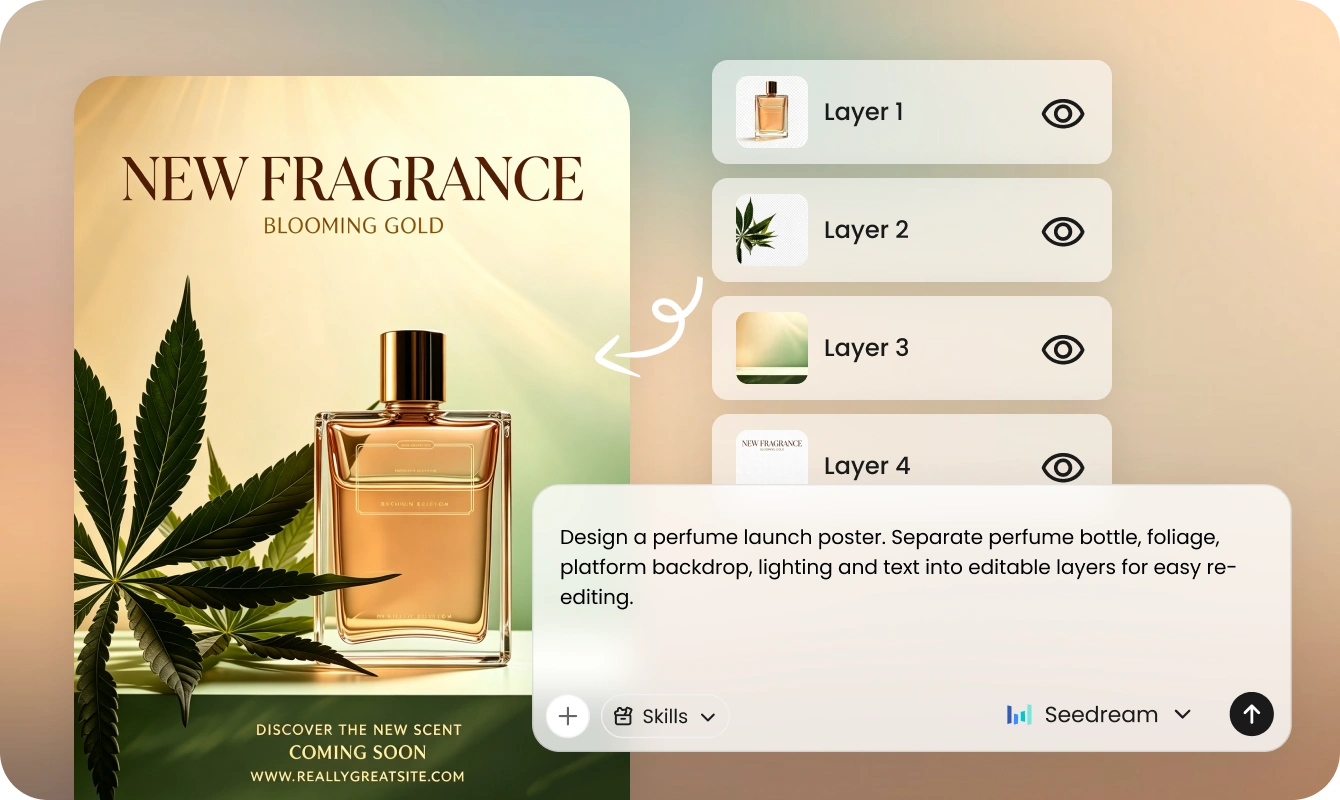
Generate UI concepts, website layouts, design explorations, product mockups, and editable creative assets. The AI accelerates ideation while making revisions easier through intelligent layer separation.
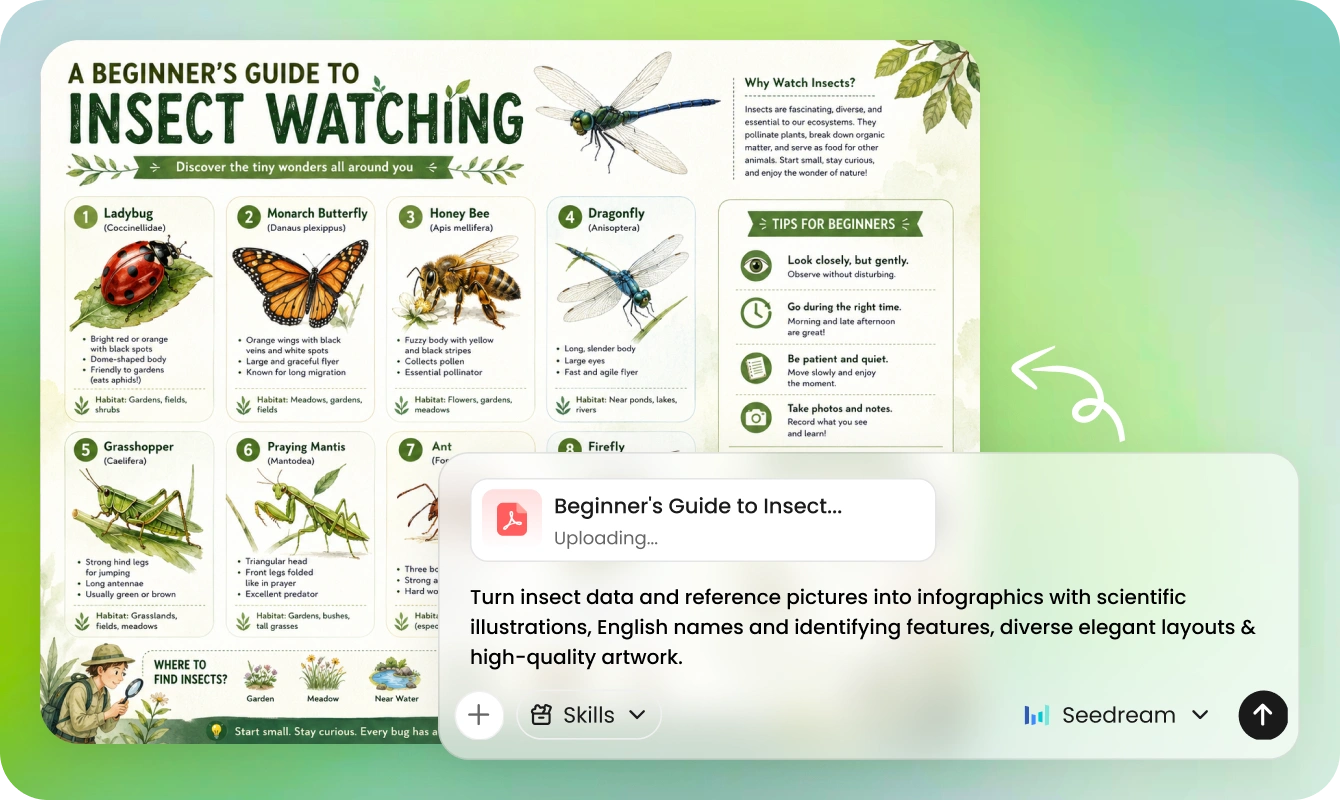
The Seedream 5.0 Pro AI image generator and Loopa's agent help convert lengthy reports, scientific research, training materials, knowledge graphs, and business presentations into visual explanations that make complex information easier to understand.
Game development teams integrate Seedream 5.0 Pro into asset production pipelines. The AI generates character concepts, environmental backgrounds, promotional artwork, and texture references that maintain style consistency across large projects.
Seedream 5.0 Pro is ByteDance's flagship image generation and editing model, representing the latest advancement in the Seedream 5.0 series. It supports localized editing based on points, arrows, sketches, and coordinates; allows images to be split into reusable layers; and supports native text rendering in 14 languages. Additionally, the generation cost per image is lower than that of Nano Banana 2 and GPT Image 2.

Seedream 5.0 Pro on Loopa turns a single conversation into production-ready visuals. Generate professional results with intelligent editing and image creation workflows.